Running SolidWorks Projects with Outside Designers

You can see what a contract designer has actually delivered, show a client the same model, and keep both conversations on one version. For a project manager running SolidWorks work through outside designers, that is most of the job.
The manager's problem, specifically

Outsourcing part of the modeling is normal. Supervising it is where the work is.
You cannot see progress without asking for it. Revisions arrive as files with version numbers in the filename. Delays surface late, and post-production fixes land on the budget you already committed.
Then there is the communication. Designer to manager, manager to client, back again — through email and screen recordings, with each party describing geometry in words. Every round costs a day, and the descriptions are where the misunderstandings live.
This is the pattern managers describe to us most often. The models themselves are not the problem. Everything around them is.
What changes when everyone works on the model

Comments land on geometry
Annotations sit on the model, so a note about a bracket is attached to the bracket. Designer, manager and client all read the same thing, and no one is translating from a screenshot.
Versions are visible, not filenames
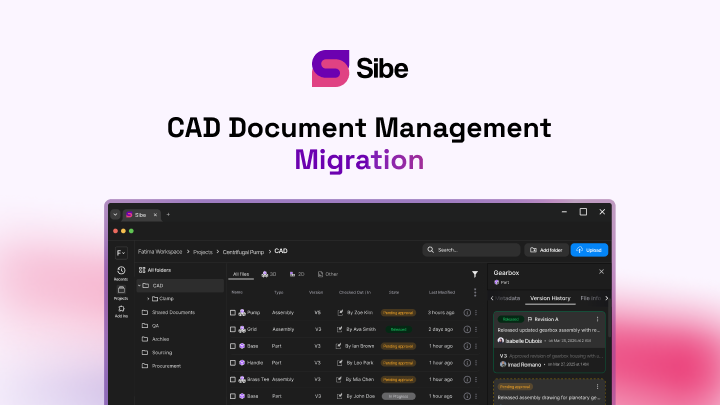
Version control records every check-in automatically. Compare what changed between two versions, and see the comments that drove the change sitting alongside them.
Engineers keep working where they work
The native add-in means engineers check files in and out directly in SolidWorks. Nobody learns a new modeling environment to satisfy a reporting requirement.
Progress is a glance
File states show what is in progress, what is waiting on approval and what is released. That is the status update you were going to ask a contractor for on Thursday.
Reviewers cost nothing to add
A client or a production manager opens a share link in a browser — no CAD license, no account. You stop buying seats for people who look at a model twice a month.
What a manager actually gets back
- Fewer review rounds, because feedback is specific the first time
- Deadlines that surface early, because progress is visible without asking
- One current version, so a contractor and a client never see different designs
- A record of what was approved and when, which is what you need when a scope question arrives
Where to start
Take the project with the most contractors on it and run that one through. Setup is under 20 minutes, and the first review cycle shows you whether the email chain was the problem.
No servers, no VPNs, no admin hassles.
Book a free Demo with Ken to see Sibe in action


Ken Maren
Chief Solutions Architect
SolidWorks Expert with 30+ Years Experience
Redirecting...
Demo bookings need a company email address. To use a personal one, choose Try Sibe for free below.